01
Chat and tasks
Use chat, Cowork and Agent views to follow work and deliverables. Models use your provider configuration.

The default Web Shell brings tasks and chat into one interface. The desktop host connects local files, windows, tool processes and supported hardware. The traditional desktop interface remains available in settings.
Public pairing: CLI 0.166.141 · v5.0.3.144
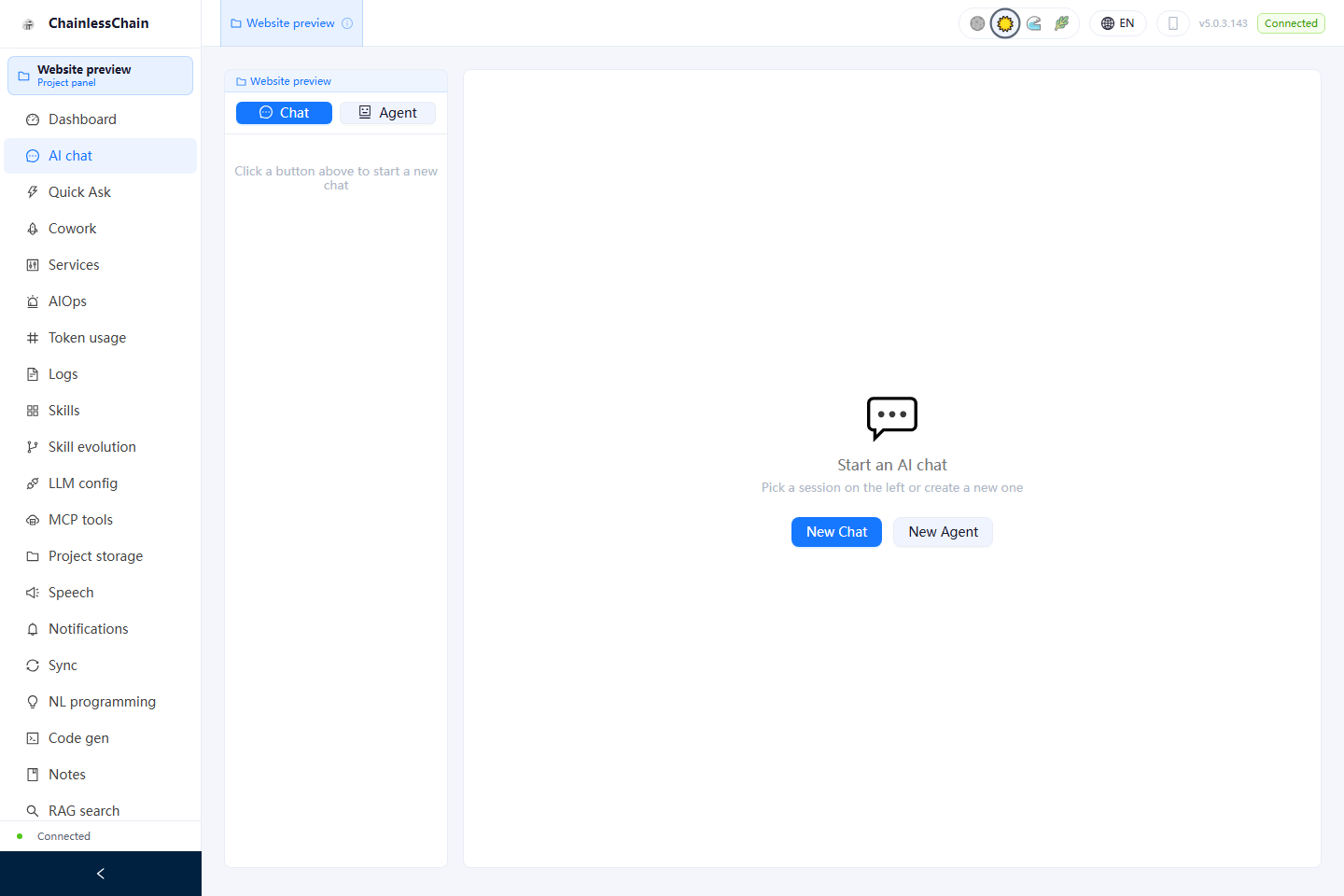
These are browser captures of the shared Web Shell used by Desktop by default. Native windows, hardware signing and desktop-host integrations are not demonstrated in these images.
Use chat, Cowork and Agent views to follow work and deliverables. Models use your provider configuration.
Organize notes, documents and projects. Search depends on local indexes and configured data sources.
Review plans, tool calls and results where supported by the current mode. Sensitive operations follow configured permissions and approval rules.
Combine built-in skills, MCP servers and local tools for coding, writing and everyday work.
Pair with mobile devices for remote control and synchronization. Devices must be reachable and sync channels require configuration.
Connect local models such as Ollama. Hardware signing depends on the OS, drivers and device support.
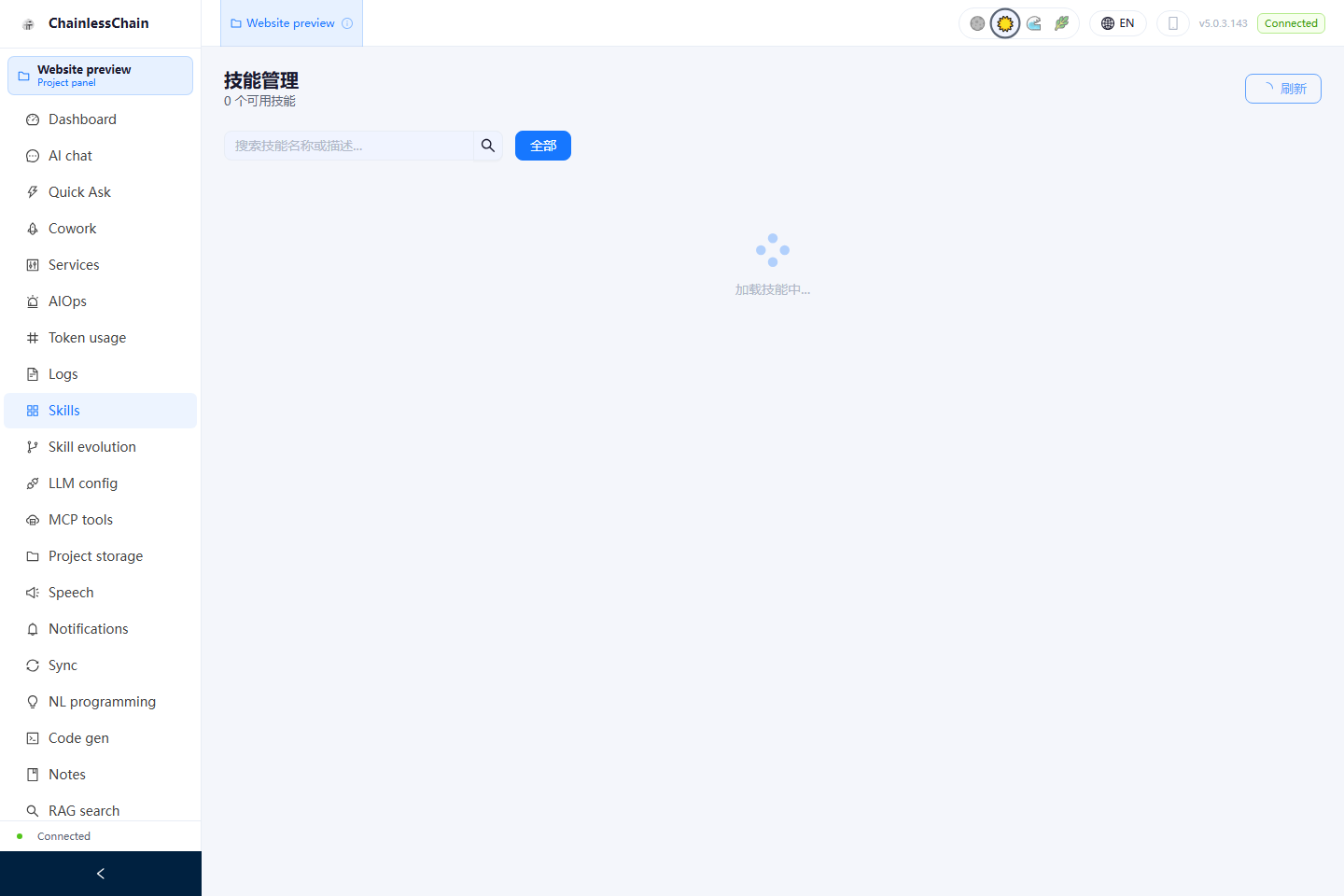
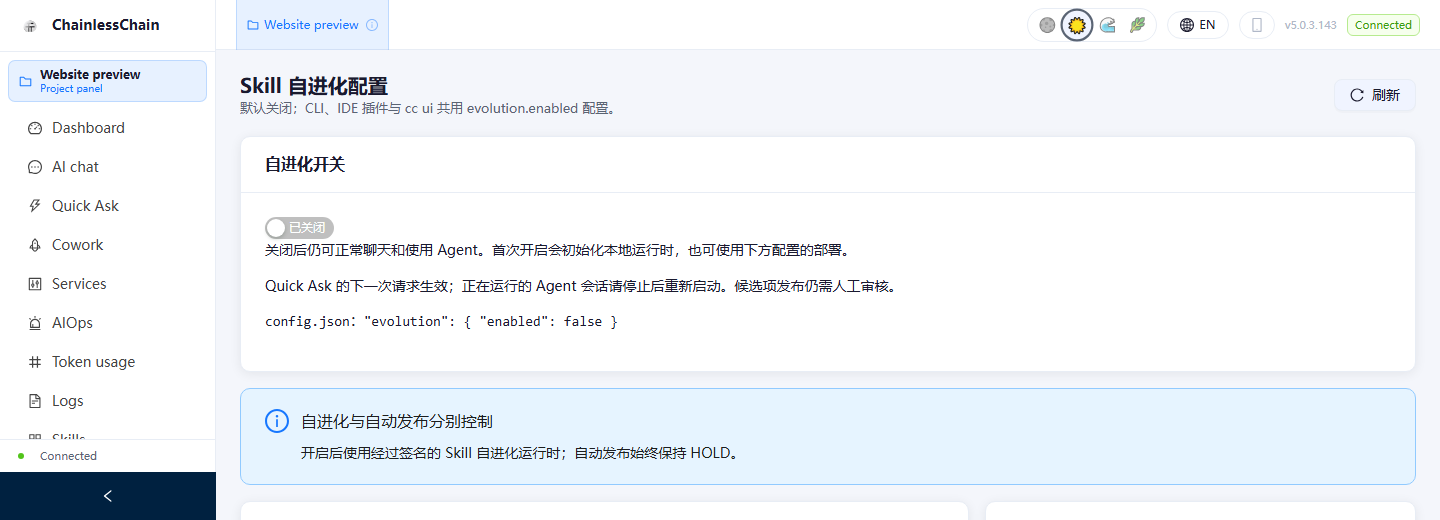
Fresh isolated profile, with no seeded conversations or model requests. Some modules currently retain Chinese labels.
After installation, select a model provider and configure your workspace. The CLI, IDE extensions and desktop installers are separate releases with different version numbers.
ChainlessChain-Setup-5.0.3-alpha.144.exe
Download · 504 MB ↓ChainlessChain-Portable-5.0.3-alpha.144.exe
Download · 503 MB ↓ChainlessChain-5.0.3-alpha.144.dmg
Download · 632 MB ↓ChainlessChain-5.0.3-alpha.144-arm64.dmg
Download · 627 MB ↓ChainlessChain-5.0.3-alpha.144.AppImage
Download · 851 MB ↓chainlesschain-desktop-vue_5.0.3-alpha.144_amd64.deb
Download · 447 MB ↓chainlesschain-desktop-vue-5.0.3-alpha.144.x86_64.rpm
Download · 452 MB ↓